Complete Hydrant Management Software for Fire Departments
Whether your department manages hundreds or thousands of hydrants, EPR FireWorks helps crews maintain accurate records, streamline inspections, track flow testing, and improve operational readiness through a single hydrant management platform.
Hydraulic Modeling
Computerized hydraulic modeling and color-coded hydrant performance visualization.
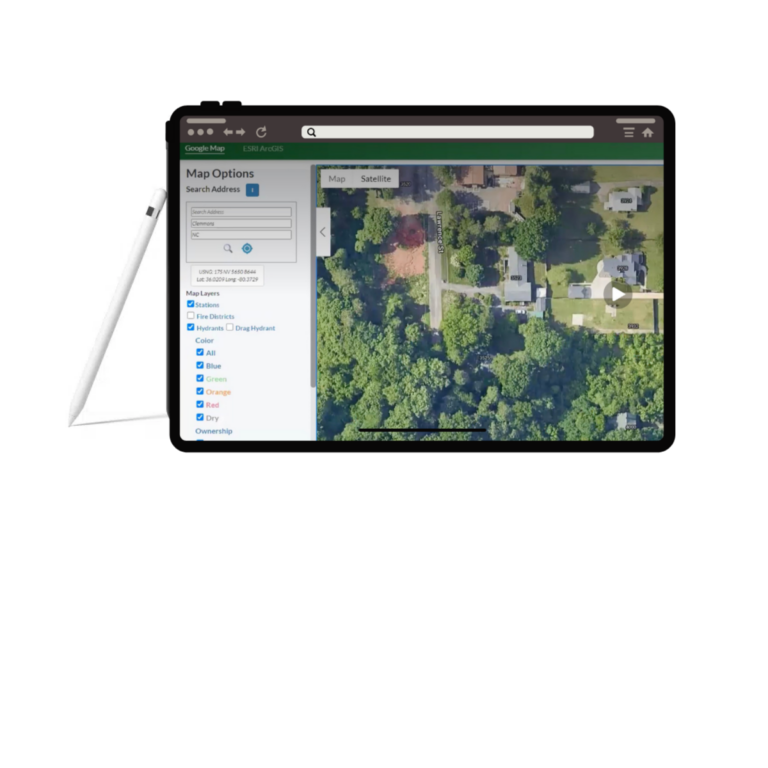
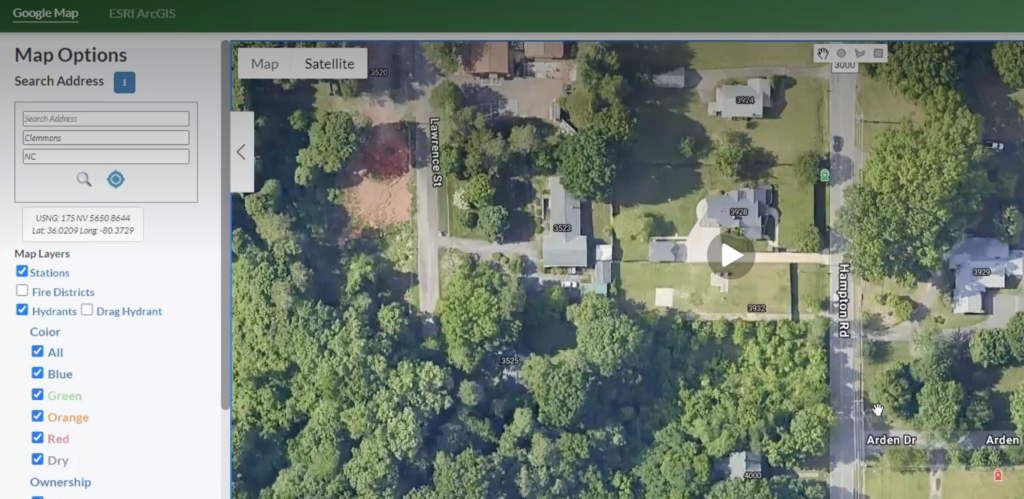
GIS Mapping
Interactive hydrant maps with drag-and-drop GPS correction and real-time location updates.
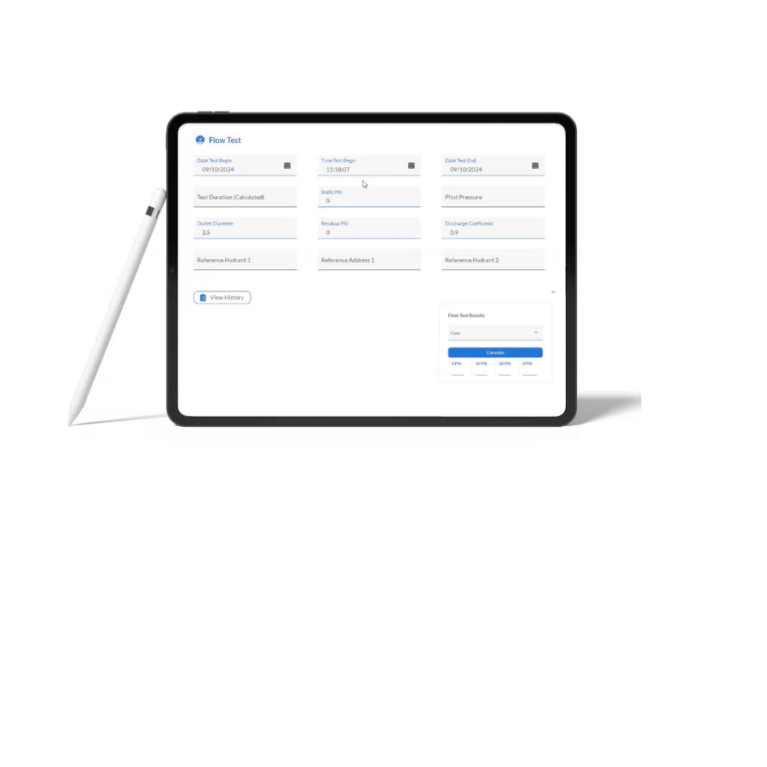
Flow Testing
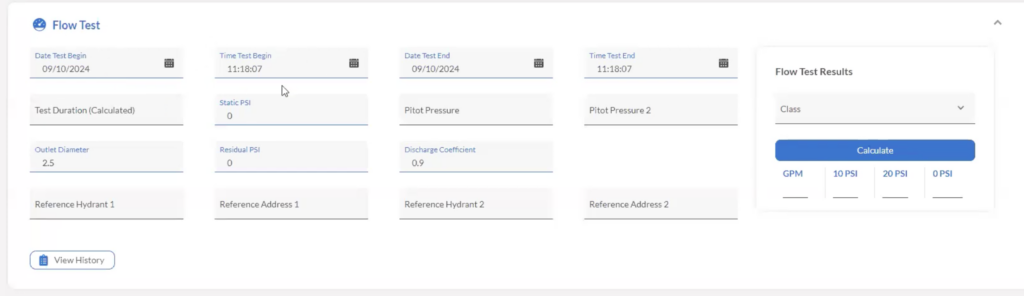
A mobile-optimized platform for on-site assessments with automatic scheduling and digital reporting, ensuring a smooth experience across all devices.
Hydrant Inspections
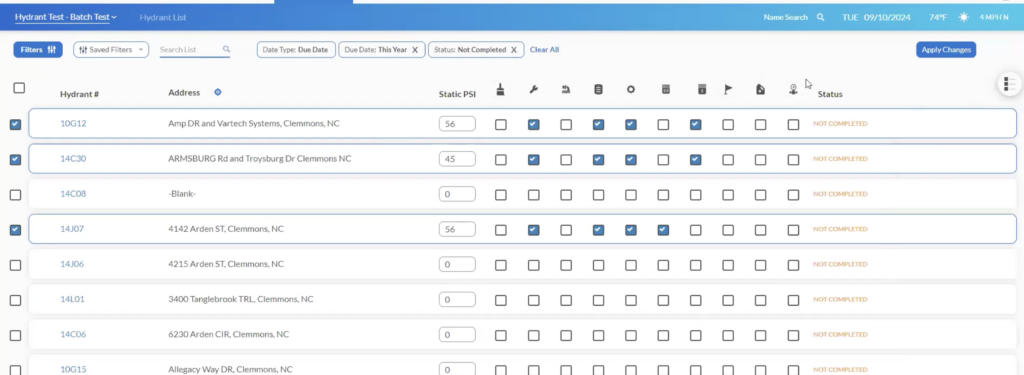
Custom inspection programs and automated assignments.
Maintenance Tracking
Manage repairs, deficiencies, and service history.
Scheduling & Assignments
A/B/C shift scheduling with four-year visibility.
Modernize Hydrant Management Across Your Department
Improve hydrant inspections, streamline maintenance, enhance visibility, and support operational readiness with hydrant management software built specifically for fire departments.
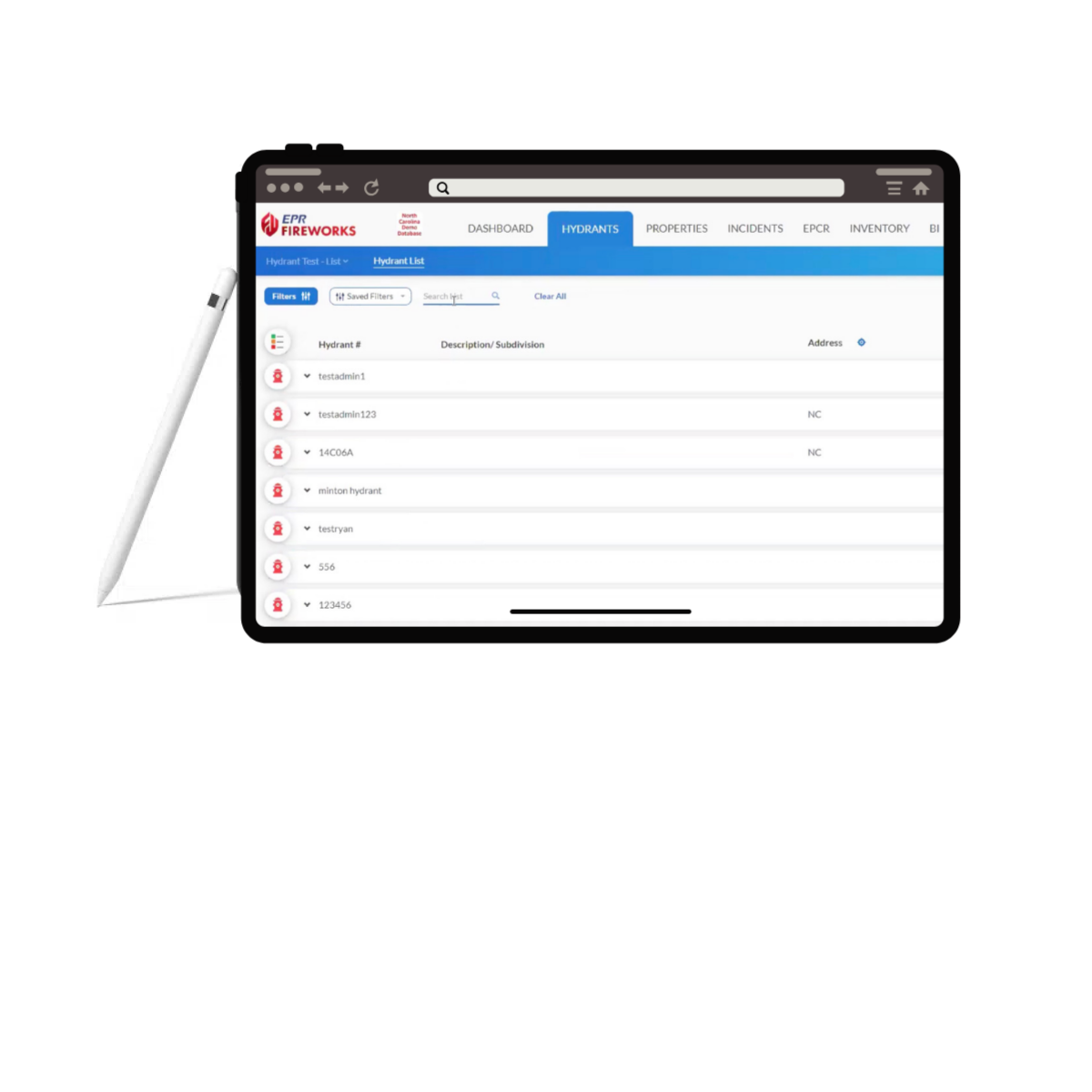
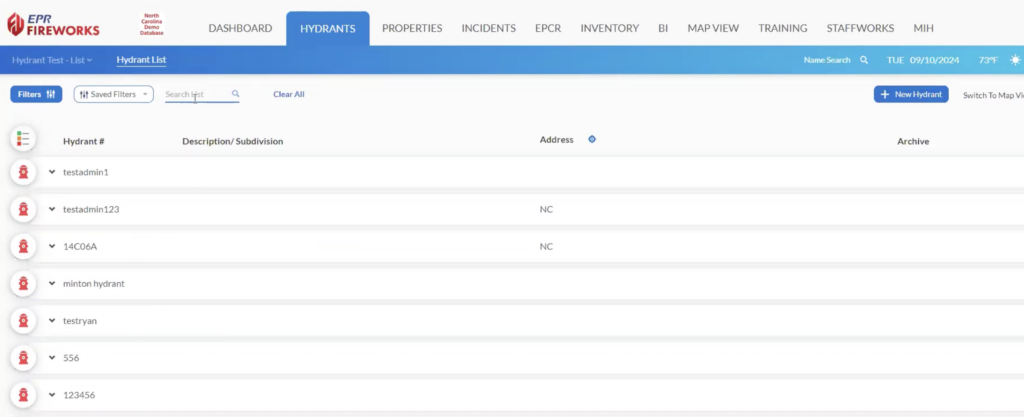
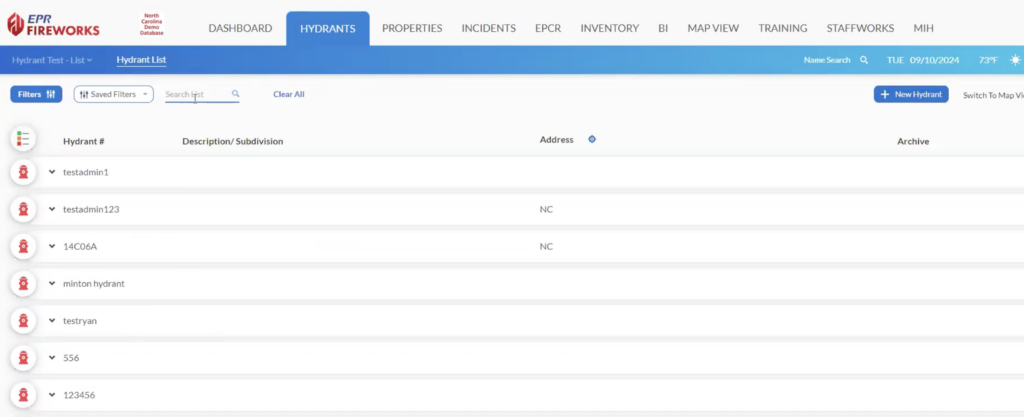
Manage hydrants through Map, List, and Mobile views while maintaining accurate location data.
GIS integration
Drag-and-drop GPS correction
Real-time location updates
Map, List, and Mobile views
Hydraulic Modeling and Hydrant Analysis
Go beyond inspections and flow testing with computerized hydraulic modeling. Visualize hydrant performance through color-coded analysis and gain a clearer understanding of system capabilities.
Color-coded hydrant performance
Hydraulic system visualization
Performance analysis
Operational decision support
Enhanced planning capabilities
Hydrant Inspection Software with Automated Scheduling
Automate inspections and assignments while maintaining visibility into upcoming work.
Custom inspection cycles
Digital inspection forms
Automated assignments
A, B, and C shift scheduling
Four-year planning visibility
Fully Integrated Hydrant Management for Incidents, Pre-Plans, and Inspections
Connect hydrant information directly to the workflows your department uses every day: Incident response, Pre-plan, and Inspection integration. Shared operational data in an all-in-one system.